İthera
You talk. İthera prepares your note and document.
Record your thoughts with audio and organize your notes. Use your own templates for recurring documents; the information you dictate is applied to the relevant sections. Review, edit, and share the results.
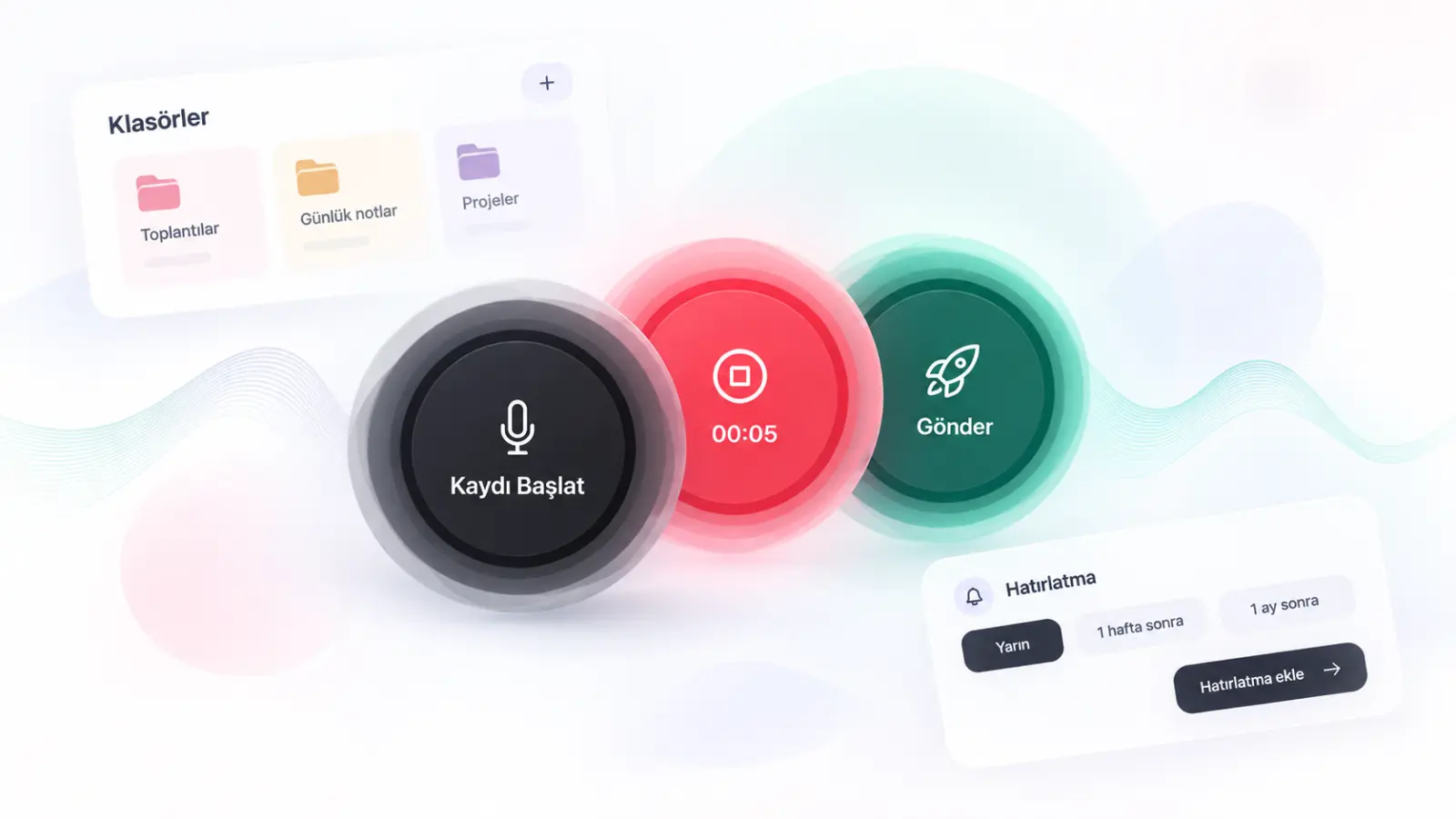
Take a voice note
One voice recording, two ways to work
Use My Notes for quick capture and My Templates to prepare documents in a consistent format.
Take a voice note
Record an idea, a task, or meeting minutes. Read and edit the text generated from your recording.
Prepare a document with your template
Upload your sample document or type your text. Information from your new recording is applied to the corresponding sections of the template.
Review and export
Review the İthera output before using it. Make necessary corrections, copy the text, or download it as PDF/Word.
MY NOTES
Don't just keep it in your head—keep it in your notes.
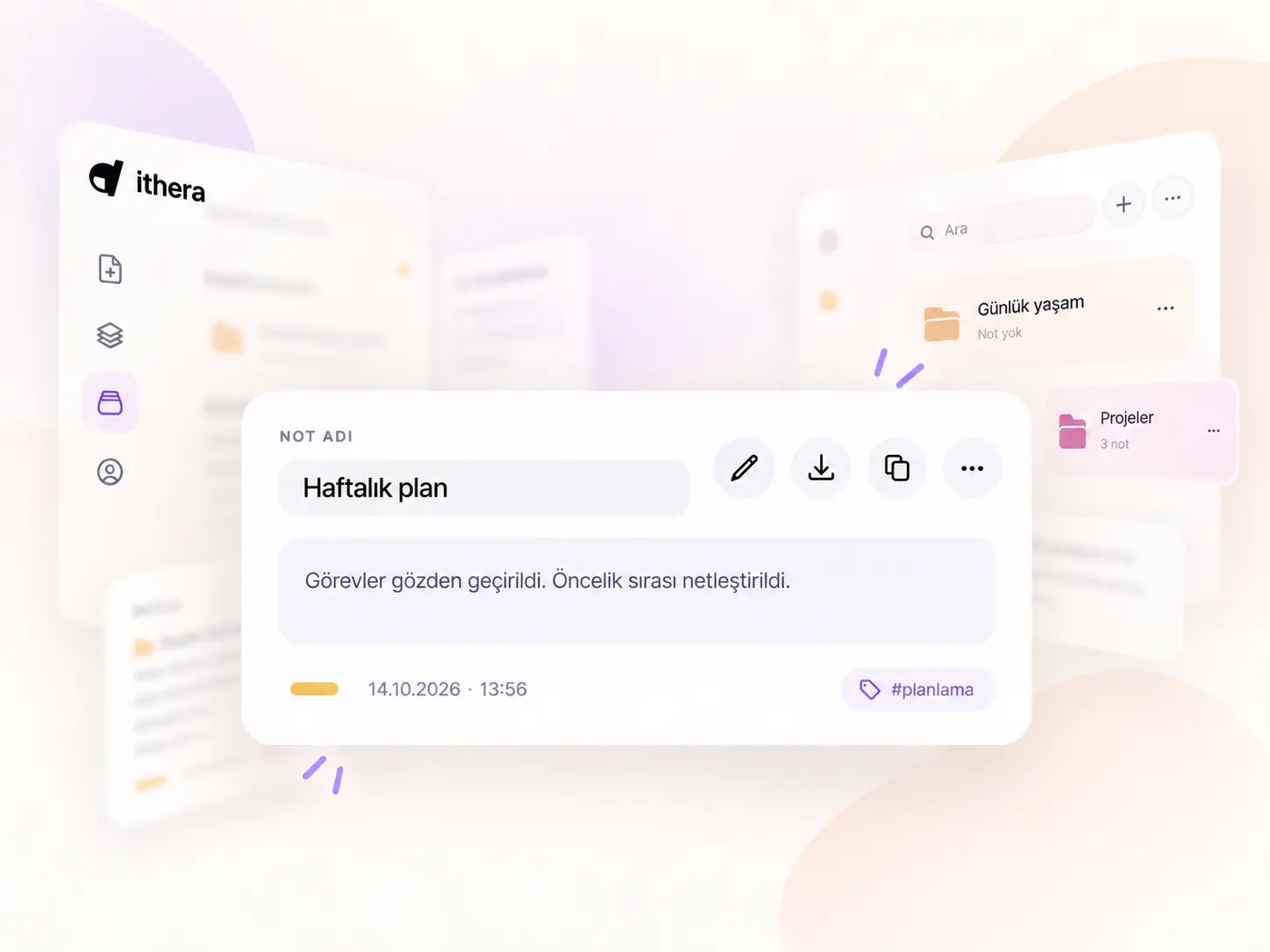
Start with a voice recording. Edit your note, organize it into folders, and find it whenever you need it.
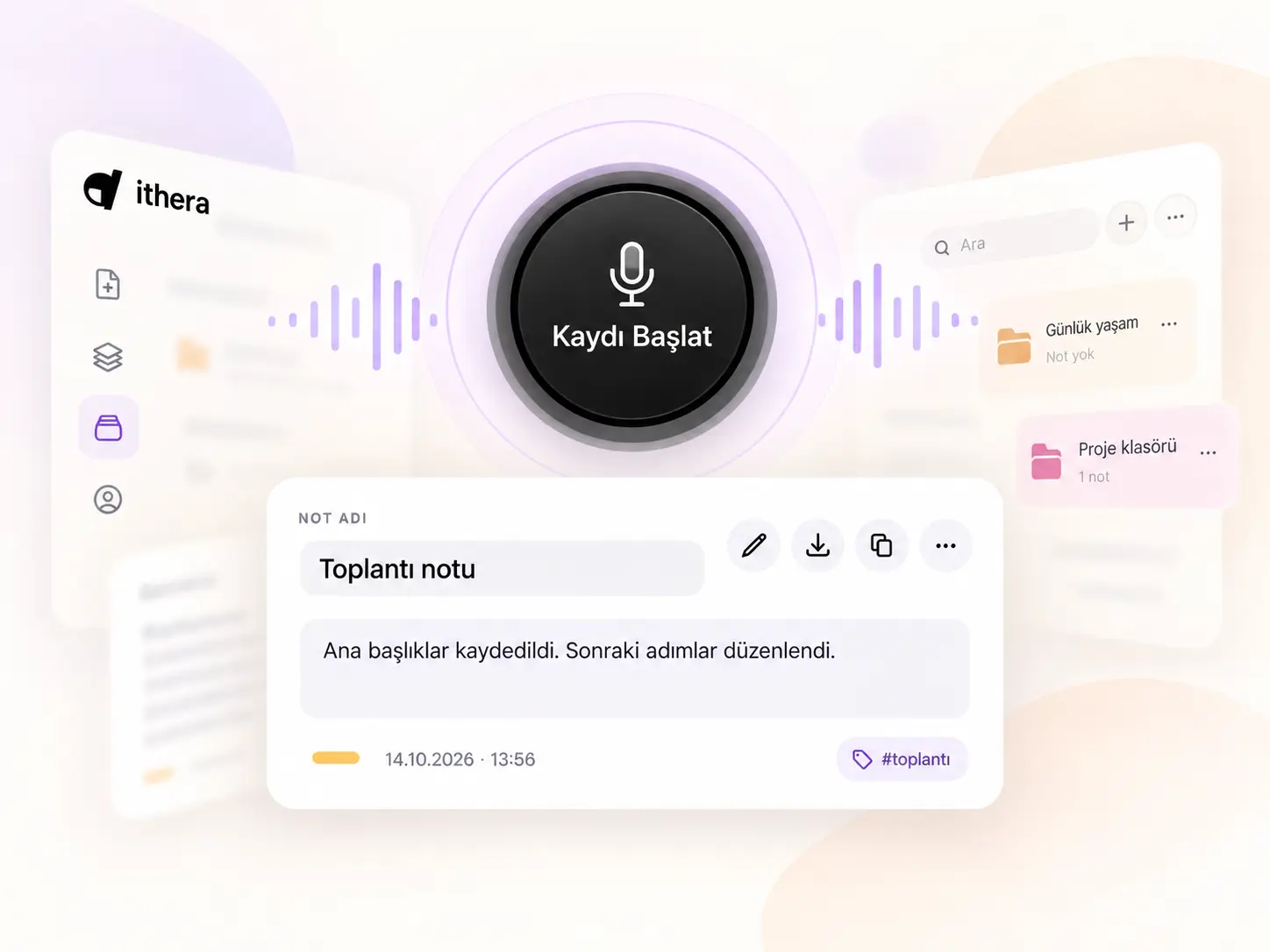
Record and edit
Edit the title and text of the note generated from your voice. You can also add information later using voice.
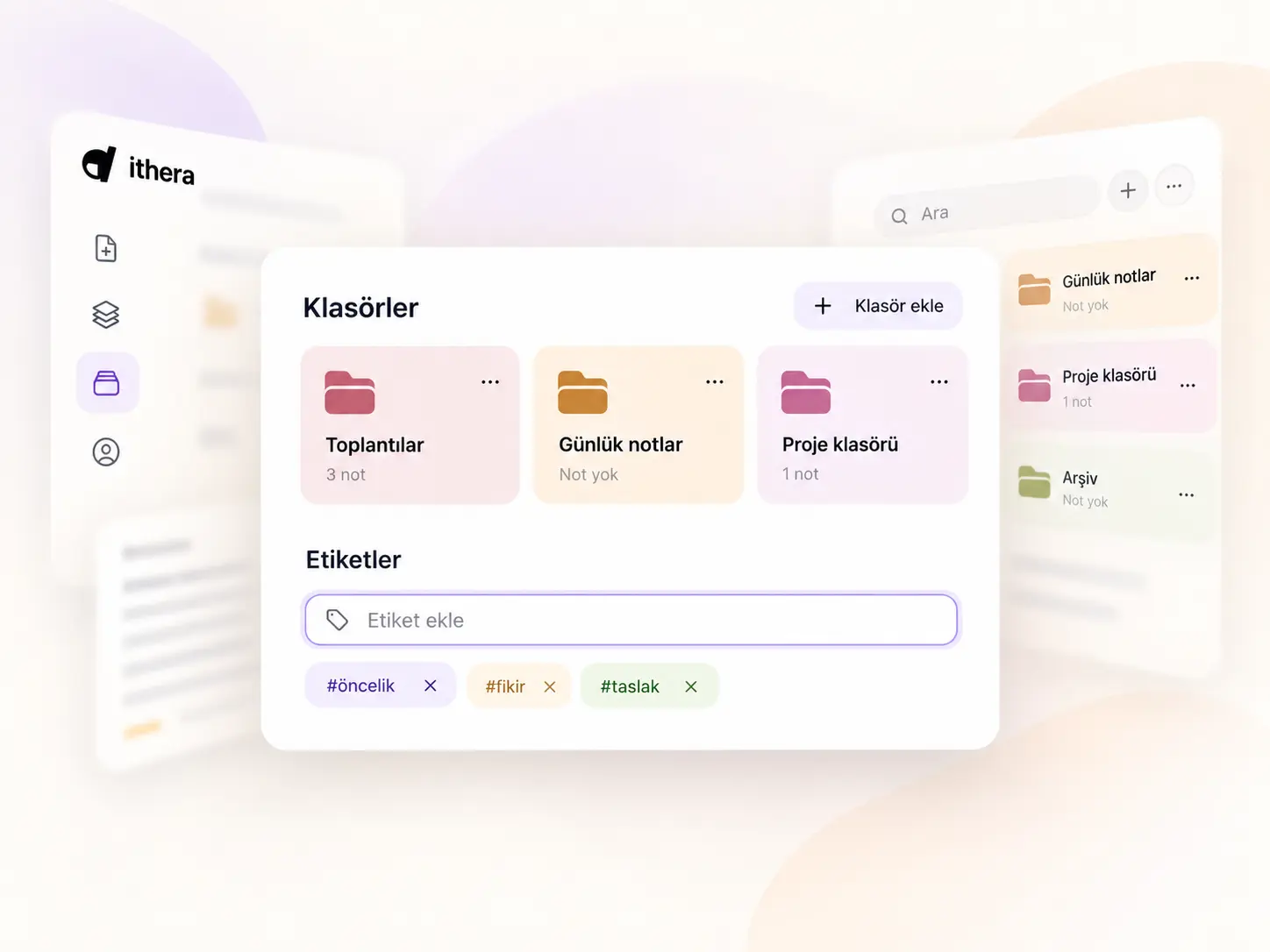
Find with folders and tags
Organize notes in folders, group them with tags, and find them via search. Archive notes you're done with.
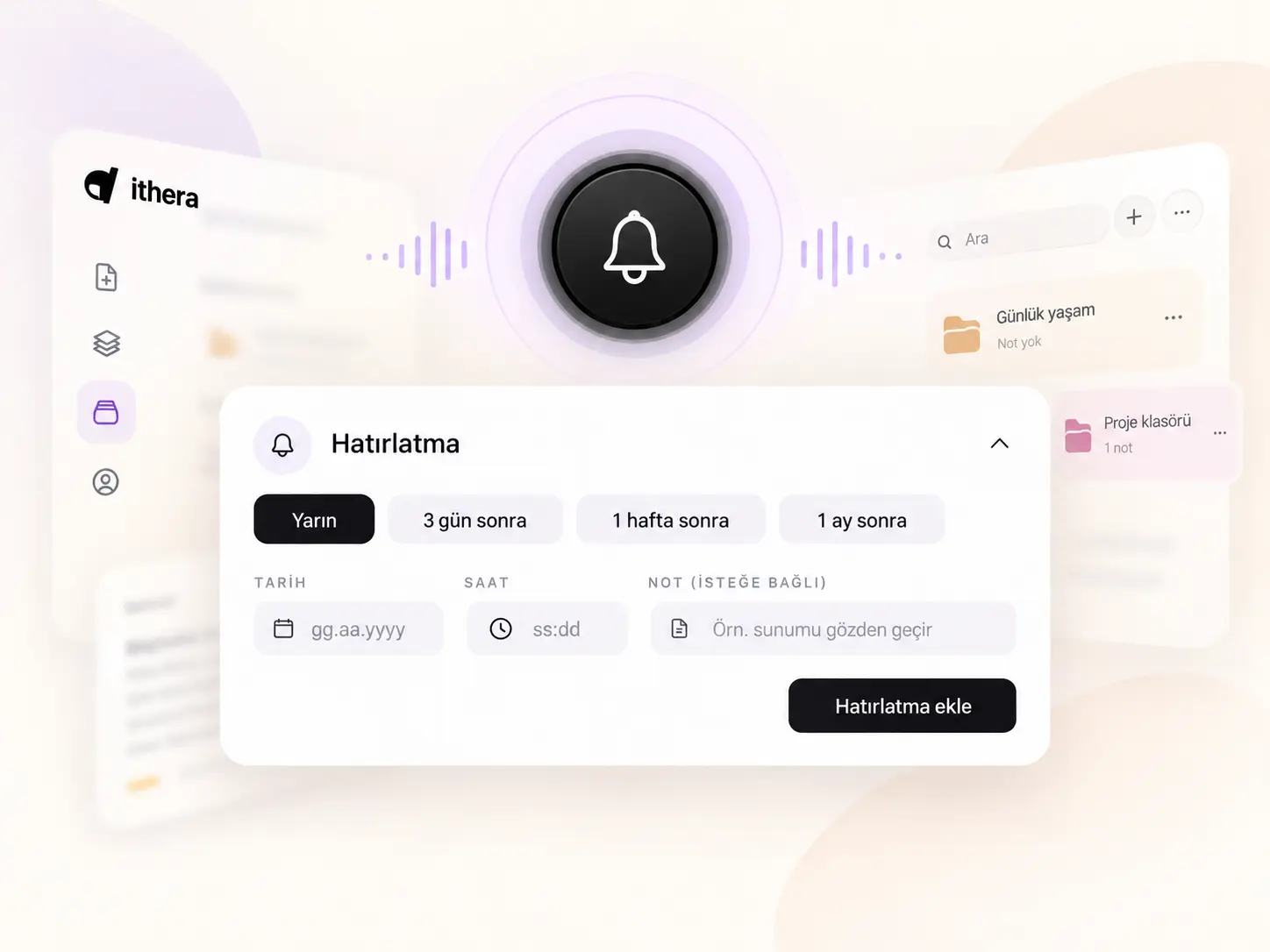
Set reminders and ask questions
Add a reminder to your note. Ask questions to find information in your notes; compare the provided answer with the source notes.
Share or take it with you
Share notes according to your needs, copy the text, or export as PDF and Word. Check the content and permissions before sharing.
Start with your first note
Record a short voice note. Review the text, edit it, and build your own workflow.
FROM TEMPLATE TO DOCUMENT
Stop rewriting the same document from scratch.
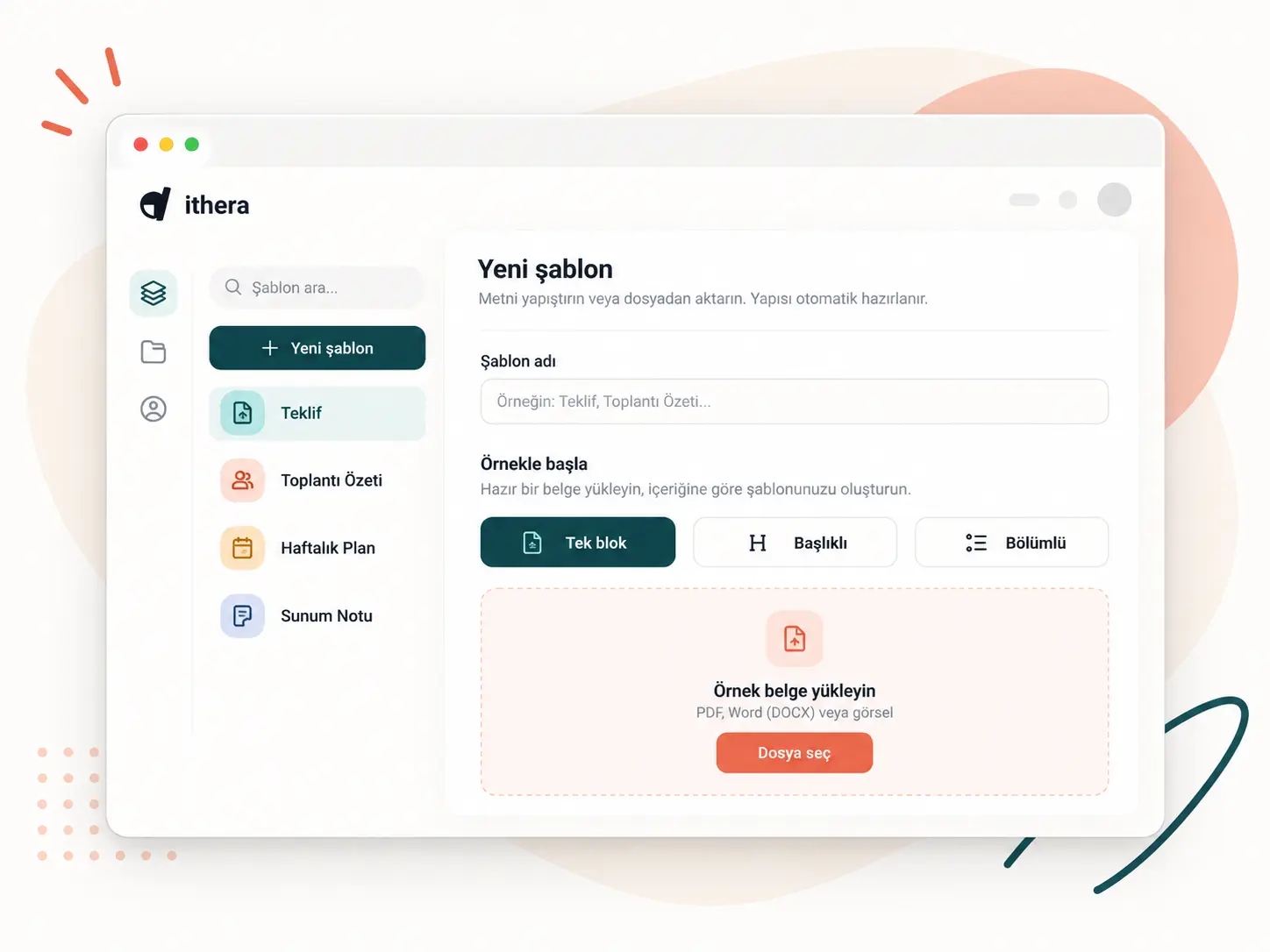
Prepare your own base text for recurring documents such as proposals, meeting summaries, field notes, or task tracking.
Prepare your template
Paste the entire text into one field or create sections. You can also extract a template from an existing file.
Dictate new information
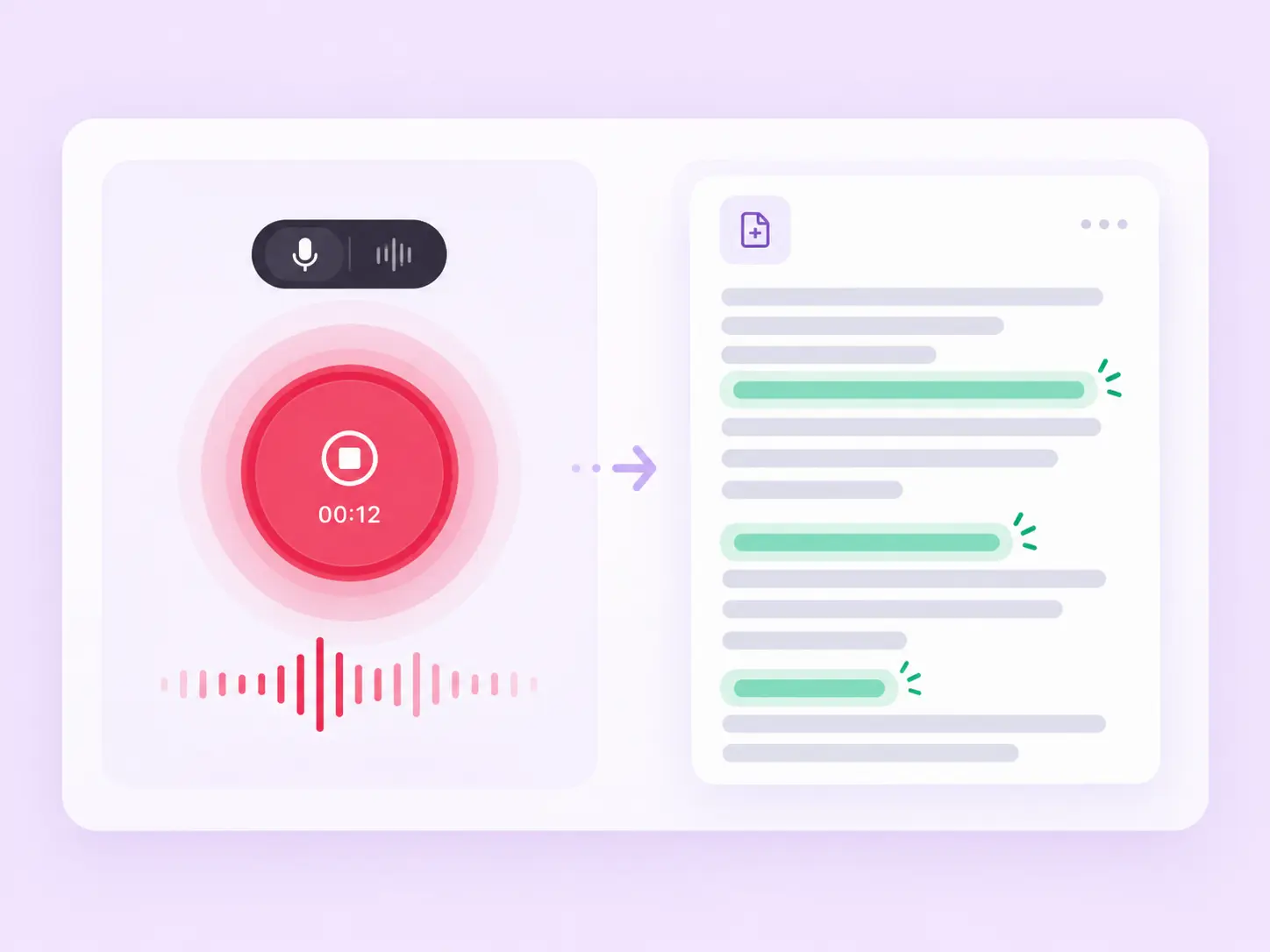
Record voice within the template's workspace. The information you dictate is applied to the relevant sections; other text remains preserved from the original template.
Review the result
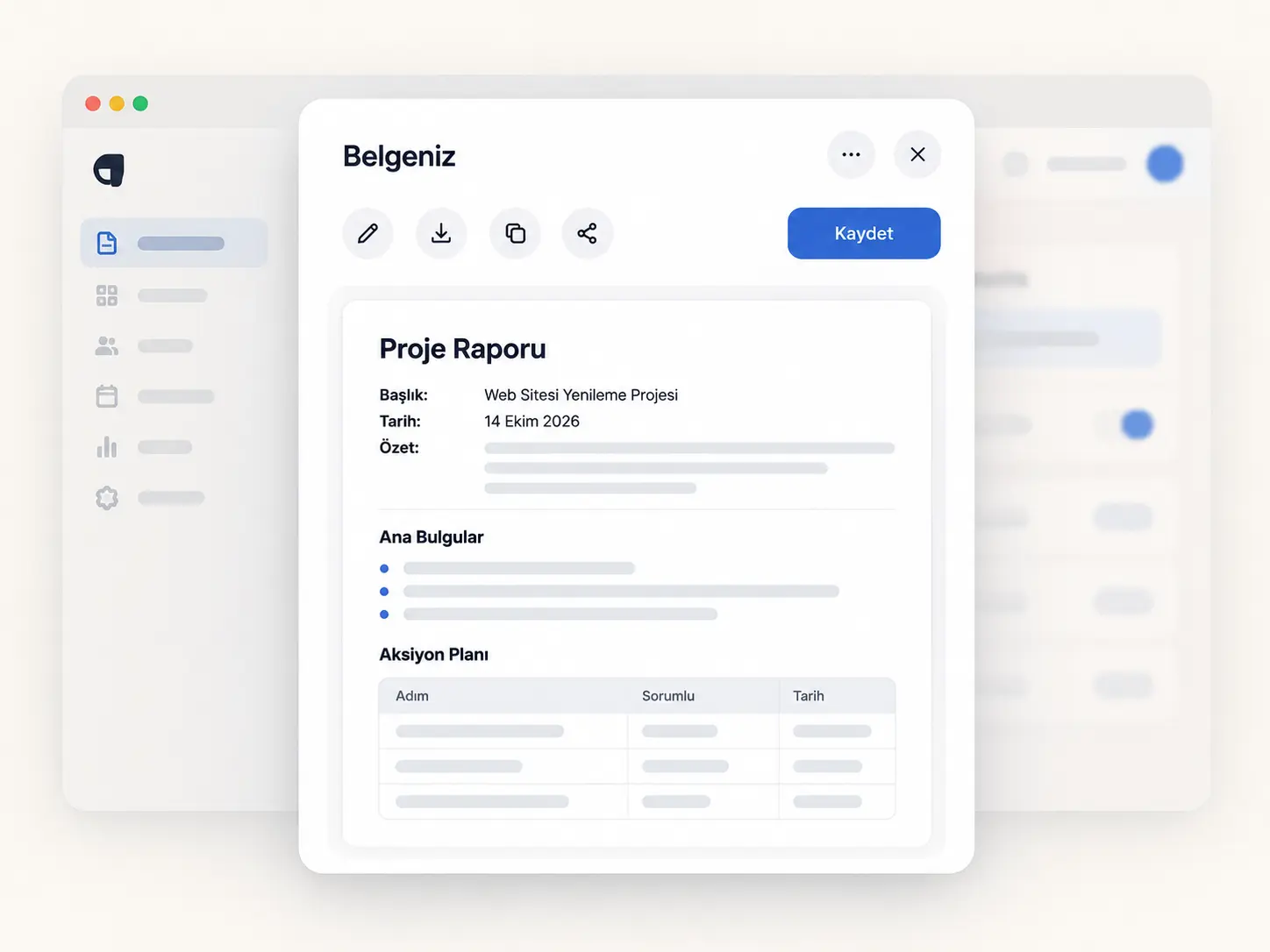
Check names, dates, numbers, and information remaining from the template. Download the finalized document as PDF or Word.
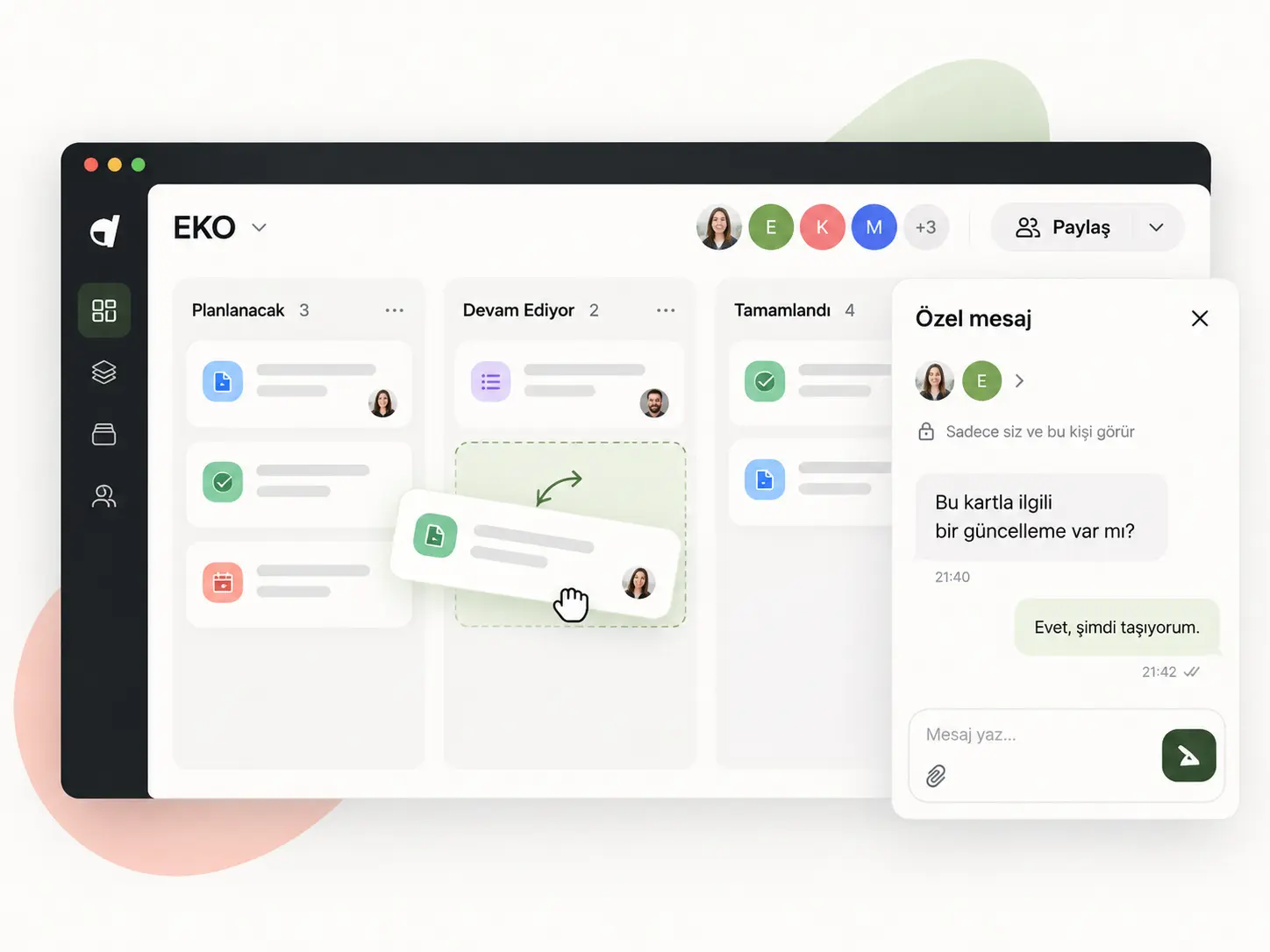
Share, evaluate together
Chat one-on-one with those you share your document with and leave notes for each other. Track feedback and revisions directly on the document.
Open your organization account
Shared credit for your team, personal workspaces for everyone
Manage your team from your organization account. Members continue to work on their own notes and documents while using shared credit.
Use credit together
All members use the credit purchased for your organization from a shared balance. Set monthly usage limits per person and track credit spending.
Content remains under member control
Organization managers cannot see the content of members' notes and documents. Joining an organization does not share content; members choose who they share with themselves.
Bring your team together easily
Send bulk invitations to your members. Once you verify your organization's email domain, users who verify their email with this extension will be suggested your organization. They can send a join request without waiting for an invitation.
FAQ
Frequently Asked Questions
You can take voice notes without creating a template with My Notes. Documents, however, use your own template; the information you describe is processed into the relevant fields in the document.
You can create a template from an existing file or paste the entire text into a single field. If you want to format sections separately, you can add blocks.
Yes. You can edit the generated document and then download it as a PDF or Word file. You can reuse the same template to prepare new documents.
Yes. You can share your workspace and define who can view or edit it. You can chat one-on-one over the document and leave notes for each other.
No. İthera works with a credit system; there is no monthly subscription or mandatory renewal. Once payments are enabled, you will be able to purchase as much credit as you need.
AI operations like processing voice recordings and creating templates use credit. You can track your remaining balance and credit usage per operation from your account.
Once payments are enabled, you will be able to continue by purchasing a new credit package. If you do not choose automatic loading, you will make new purchases yourself.
This feature will be offered along with the payment service. If you wish, you will be able to set a balance threshold and a credit package to be loaded. When the balance falls below this threshold, the package you selected will be purchased automatically. The feature will only be activated with your approval and can be turned off at any time.
No, they cannot. An organization account manages member and credit usage; it cannot access personal note and document content. Joining an organization does not share your content. If you want to give someone access separately, you initiate the sharing yourself.
Yes. Organization members can use a shared credit balance. The manager can set a monthly usage limit per person and invite members in bulk. When the organization's email domain is verified, users who verify their email with this extension can send a join request without waiting for an invitation.
Still have questions?
Reach out to our support team, and we will help you as soon as possible.
Contact us